 SiriusXM Player
Stream Live Radio, Music, News & Podcasts
SiriusXM Player brings a world of entertainment to your fingertips, featuring live radio, chart-topping music, thrilling sports, and exclusive podcasts. From breaking news and captivating conversations to comedy and unforgettable shows, explore exceptional audio experiences that keep you connected to the content you love, wherever life takes you.
- Developer
- Sirius XM Radio
- Platforms
- iOS · Android · Web
- App Store rating
- 4.8 / 5 · 3M ratings
What Is SiriusXM Player?
A plain-language overview of the app, where it came from and who it suits best.
SiriusXM Player is the name most people use for SiriusXM's streaming experience: the official SiriusXM mobile app and the browser-based player at player.siriusxm.com. Both connect to the same account and deliver the same core content, which is the mix of music channels, live talk, news, comedy and sports that SiriusXM is known for in cars, now streamed over the internet instead of a satellite antenna.
SiriusXM itself was formed in 2008 when Sirius Satellite Radio and XM Satellite Radio merged, and its iPhone app arrived on Apple's store the following year. Since then the player has grown from a simple channel list into a full audio app with on-demand episodes, podcasts, search and the ability to pause and skip back on live channels.
Think of it as satellite radio's programming, unbundled from the car and delivered wherever you have a connection.
Who it is for
The player makes the most sense if you already pay for SiriusXM in a car and want the same channels at home, or if you care about live content such as play-by-play sports and personality-driven talk that on-demand music services do not offer. If you mainly want to pick individual songs, an on-demand service may suit you better; our alternatives comparison covers that trade-off honestly.
A balanced view
Its strengths are breadth and live programming. Its weak points are that almost everything sits behind a subscription, availability is centred on the United States, and plan names and prices change frequently enough that it pays to read the current terms before subscribing.
What SiriusXM Player Can Do
Nine capabilities that shape everyday listening, drawn from SiriusXM's official app descriptions.
Hundreds of curated channels
Genre and decade music channels, comedy, news and talk, each programmed by hosts and curators rather than an algorithm alone. It is the closest thing to traditional radio with far more choice.
Live play-by-play sports
SiriusXM's store listing highlights live professional and college coverage, including NFL, MLB, NBA and NHL games, plus sports talk and analysis.
Exclusive talk and shows
Personality-driven talk shows and interviews that are part of SiriusXM's programming, available live or on demand where rights allow.
Pause and skip back
Catch a segment you missed on a live channel without waiting for a rebroadcast.
Offline episodes
Download select on-demand episodes in the mobile app for flights and commutes.
CarPlay and Android Auto
Use the same account on a compatible car screen through your phone.
TVs and smart speakers
Supported smart TVs, media players and speakers bring the player into the living room.
Search and discovery
Find channels, shows and episodes by name, host or topic in one search bar.
Favorites and library
Save channels and follow shows so your regular listening is one tap away.
How SiriusXM Player Works
Streaming replaces the satellite antenna: your device pulls the same programming over Wi-Fi or mobile data.
Get the official player
Install the SiriusXM app from the App Store or Google Play, or open player.siriusxm.com in a browser.
Sign in with streaming credentials
Use the online username and password linked to a plan that includes streaming, or start an eligible trial.
Choose live or on demand
Tune in to a live channel, or open a show and pick an episode to play from the start.
Listen anywhere
Continue on CarPlay, Android Auto, a smart TV or a speaker using the same account.
SiriusXM Player Compatibility at a Glance
Where you can use the player today, based on SiriusXM's published device information.
| Platform | Support | How you get it | Notes |
|---|---|---|---|
| iPhone & iPad | Supported | App Store | iOS 16 or later per SiriusXM's help center |
| Android phones & tablets | Supported | Google Play (com.sirius) | Android 7 or later per SiriusXM's help center |
| Windows PC | Via browser | player.siriusxm.com | Web player in a current browser; no desktop app recommended here |
| Mac | Via browser | player.siriusxm.com | Same web player as Windows |
| Linux | Not listed | Browser may work | Not in SiriusXM's published requirements |
| Apple CarPlay / Android Auto | Supported | Through the phone app | USB or wireless, depending on your car |
| Smart TVs | Selected models | TV app store | SiriusXM names LG, Samsung and Sony |
| Smart speakers & media players | Selected models | Device app or skill | See siriusxm.com/ways-to-listen |
Sources: SiriusXM help center, siriusxm.com device pages and the official store listings, checked October 2026. Device lists change; confirm your exact model with SiriusXM.
System Requirements
Verified minimums are labelled; recommendations are our practical advice, not SiriusXM's.
Mobile app
- iOS
- iOS 16 or higher Verified
- Android
- Android 7 or higher Verified
- Storage
- The iOS app is roughly 280 MB on the App Store; leave extra room for downloaded episodes Recommended
- Account
- A SiriusXM plan or trial that includes streaming Verified
Web player
- Windows
- Listed as Windows 7, 8 and 10 in an older help article; a current Windows 10 or 11 browser is the sensible choice Recommended
- macOS
- OS X 10.9 or higher listed by SiriusXM Verified
- Browser
- Latest Chrome, Edge, Firefox or Safari Recommended
- Connection
- A stable broadband or mobile connection; streaming quality drops on weak networks Recommended
Download SiriusXM Player
Each link below goes straight to an official Apple, Google or SiriusXM page. We never host installer files.
SiriusXM does not publish file hashes for store apps; Apple and Google sign and deliver the packages directly.
Who Uses SiriusXM Player?
The listeners who get real value from it, and why.
Daily commuters
Keep the same channels from the car on your phone when you walk into the office, or use CarPlay and Android Auto in vehicles without a satellite receiver.
Sports fans
Follow live play-by-play and sports talk when you cannot watch a game, which is the feature on-demand music apps simply do not replicate.
News and talk listeners
Background news, politics, comedy and interview shows across the day, live or picked up later on demand.
Businesses
Shops and offices use SiriusXM's separate Music for Business service, which runs through the same web player with business credentials.
Students
Focus-friendly instrumental, classical and decade channels for study sessions, plus podcasts for long commutes between classes.
Content creators
Hosts and producers study formats and interview styles from talk programming. Note that broadcasting or reusing SiriusXM audio is not permitted.
SiriusXM Player at a Glance
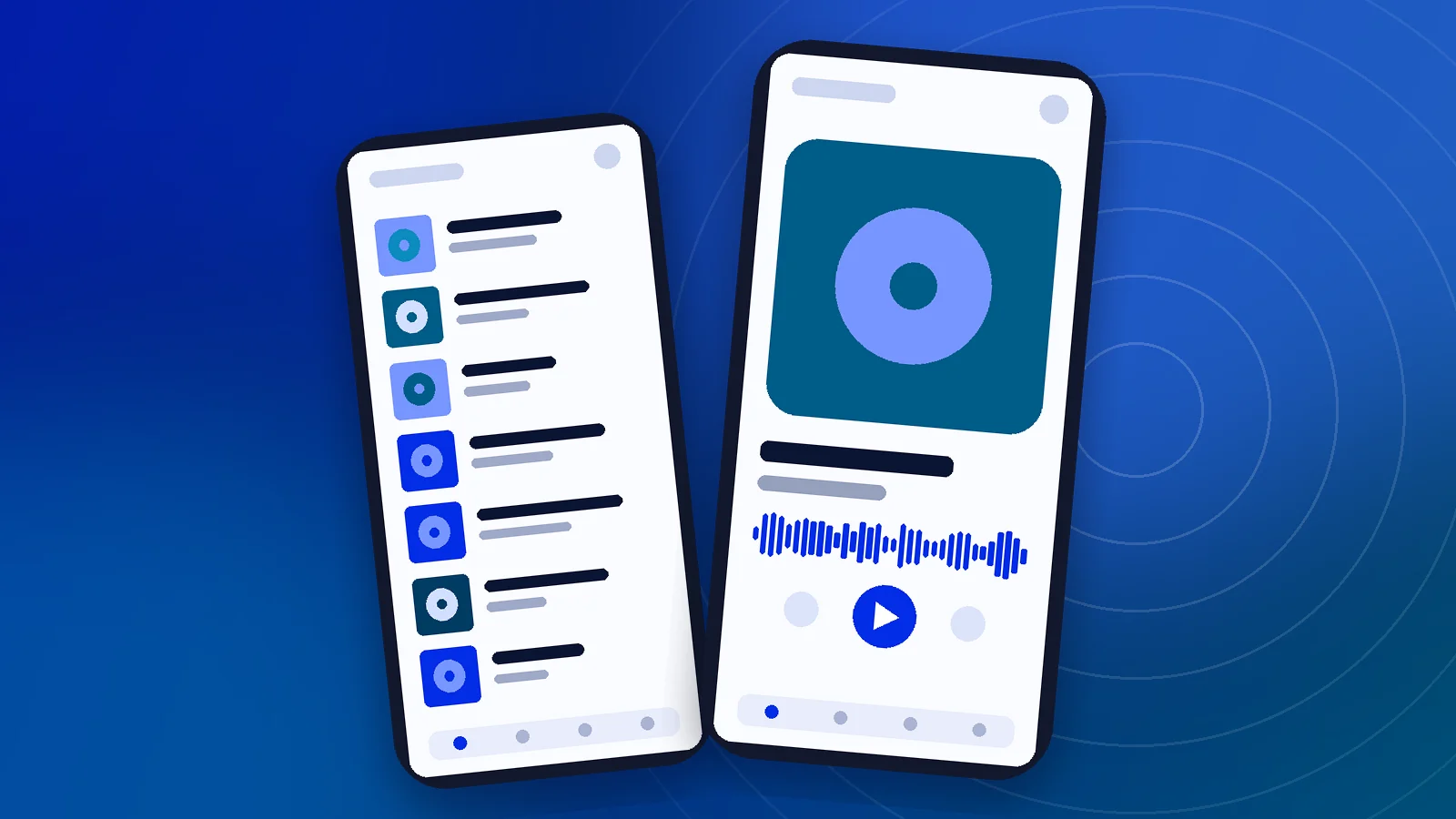
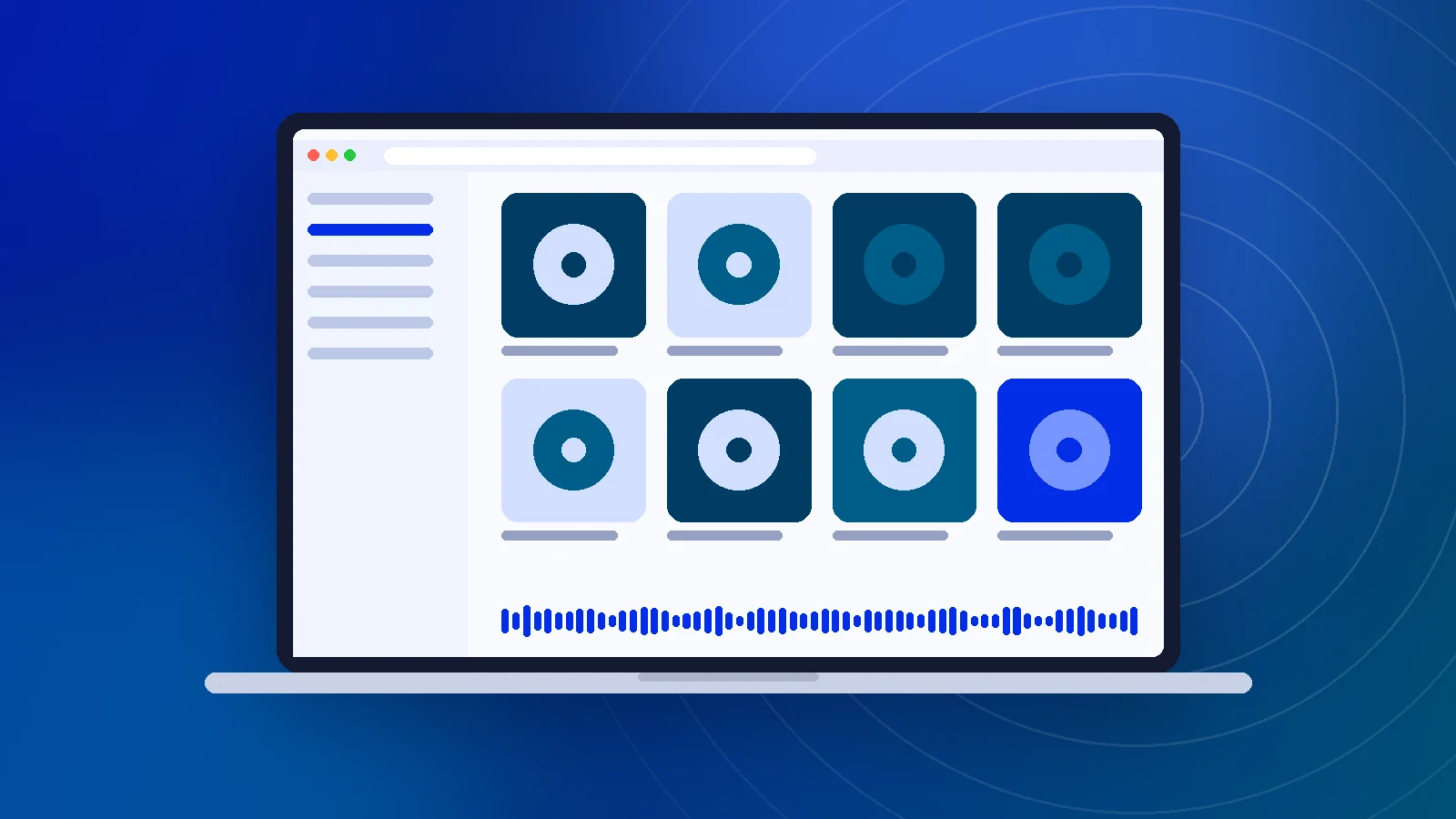
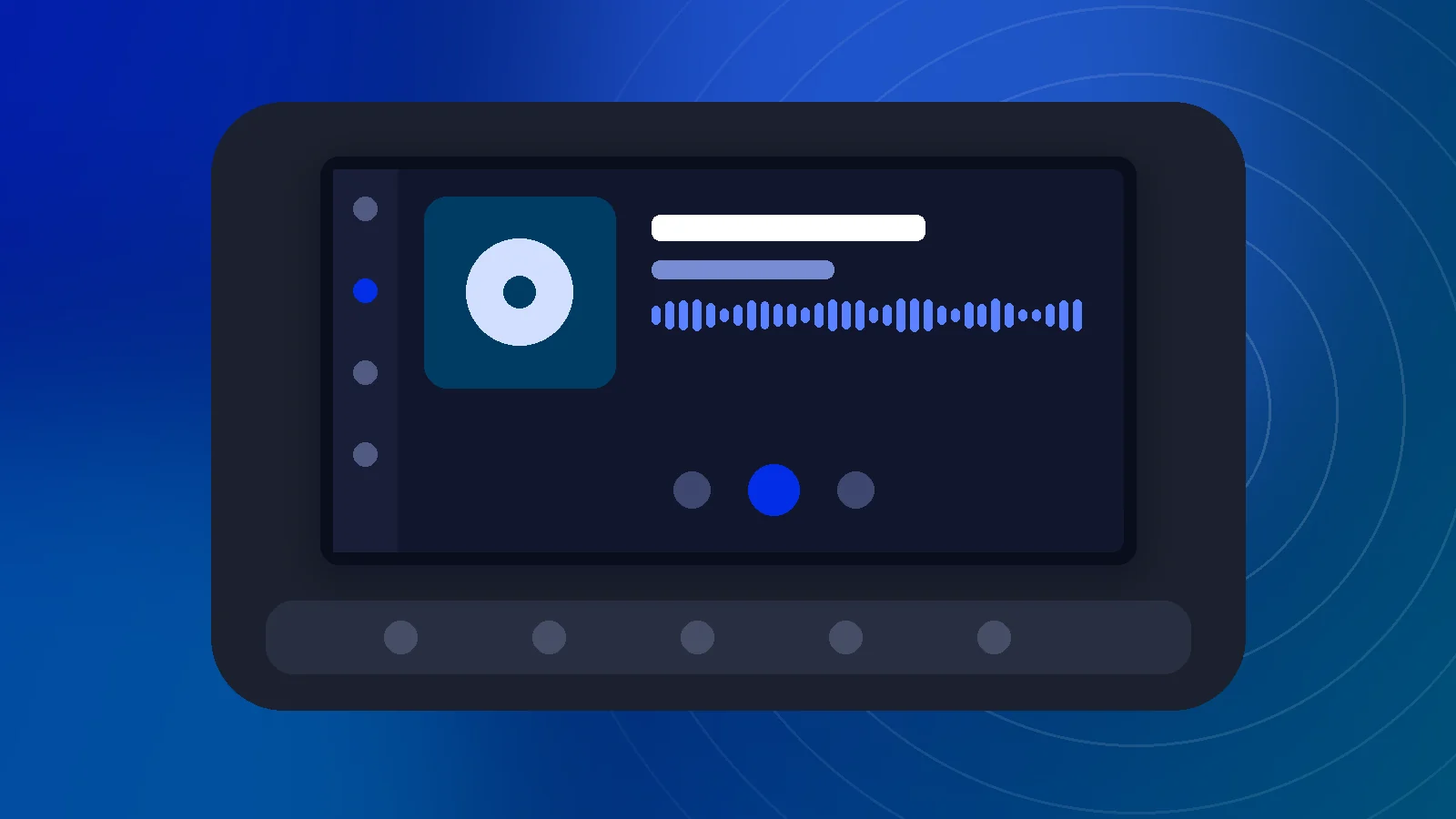
Illustrations of the main listening surfaces. These are artwork, not official screenshots; see the store listings for real ones.
Pros and Cons
What works well and what may put you off.
Strengths
- Live sports, news and talk that on-demand music apps lack
- One account across phone, web, car, TV and speakers
- Pause and skip back on live channels
- Offline downloads for select on-demand episodes
- Curated, host-led channels that suit background listening
Limitations
- Most listening requires a paid plan once trials end
- Use of the app is limited to the U.S. and certain territories
- No dedicated desktop app recommended; PCs rely on the browser
- Plan names and prices change often, which can confuse renewals
- Streaming depends on network quality in the car
Is SiriusXM Player Safe?
Facts we could verify, followed by practical advice.
Verified publisher
The App Store lists Sirius XM Radio as the seller, and the Android app uses the package name com.sirius. Installing from these official listings is the safest route because the stores sign and deliver the app.
Data and tracking
Apple's privacy label for the app includes a "Data Used to Track You" category, and SiriusXM's privacy policy explains what it collects. Review your privacy choices at siriusxm.com and in your phone's tracking settings.
Protect your login
Only enter your SiriusXM player login and password in the official app or on siriusxm.com domains. Ignore sites offering free accounts, cracked APKs or "unlocked" players; they are common phishing and malware traps.
SiriusXM Player Alternatives
How the main audio streaming options differ in model and focus.
| Service | Pricing model | Platforms | Best at | Main limitation |
|---|---|---|---|---|
| SiriusXM Player | Paid subscription (trials often offered) | iOS, Android, web, cars, TVs, speakers | Live sports play-by-play, curated channels, exclusive talk | Requires a subscription for most content; U.S.-focused |
| Pandora | Free with ads; paid tiers | iOS, Android, web, cars, speakers | Personalised stations built from songs you like | Fewer live talk and sports channels |
| Spotify | Free with ads; Premium | iOS, Android, Windows, macOS, web, consoles | Huge on-demand catalog and podcasts | No live radio-style channels or play-by-play sports |
| iHeartRadio | Free with ads; paid tiers | iOS, Android, web, cars, speakers | Free live AM/FM stations across the U.S. | Ads on free tier; local station quality varies |
| TuneIn | Free with ads; Premium | iOS, Android, web, speakers | Large directory of worldwide live stations | Premium needed for some sports and ad-free listening |
| Apple Music | Paid subscription | iOS, macOS, Android, Windows, web | On-demand catalog plus live radio shows | No free tier for full listening |
Pricing models only; exact prices vary by region and promotion. See the detailed comparison.
What Ratings Say
We publish store data rather than invented testimonials. Read real reviews on each official listing.
Downloads & access
Is the SiriusXM Player free to download?
Yes. The official SiriusXM app is free to download from the Apple App Store and Google Play, and the web player opens in a browser at no cost. Listening, however, requires a SiriusXM subscription or trial that includes streaming. Plans and prices change often, so check the current options on siriusxm.com before you sign up.
Where can I download the SiriusXM Player safely?
Use only official sources: the App Store listing published by Sirius XM Radio, the Google Play listing for the package com.sirius, or the browser player at player.siriusxm.com. Avoid APK mirrors and modified builds. They can be outdated, can carry malware, and may ask for your account password on pages SiriusXM does not control.
Is there a SiriusXM Player for PC?
SiriusXM's documented route for Windows and Mac computers is the web player, which runs in a modern browser after you sign in. We have not found a current official Windows or macOS desktop app to recommend. Open player.siriusxm.com, sign in with your streaming credentials and play channels or on-demand shows from there.
Do I need a separate SiriusXM app login?
You use one set of SiriusXM online credentials across the app, the web player and supported connected devices. If your subscription came with a car trial, you may need to create those streaming credentials first. SiriusXM's own site walks you through creating or resetting them.
Account, login & security
How do I sign in to the SiriusXM Player?
Open the official app or player.siriusxm.com, choose Sign In, then enter the username or email and password tied to your SiriusXM streaming account. If you have forgotten them, use the official reset link on that sign-in screen. Never type your SiriusXM player login and password into third-party websites, including this one.
Why does my SiriusXM app login fail?
The most common causes are a plan that does not include streaming, a car-trial account without online credentials, a mistyped email, or an expired password. Reset the password from the official sign-in page, confirm your plan includes app access, then sign in again. If it still fails, contact SiriusXM listener care.
Is the SiriusXM app safe to use?
The app is published by Sirius XM Radio and distributed through Apple's and Google's stores, which review submissions. As with any streaming app, it collects account and usage data described in SiriusXM's privacy policy, and the App Store lists data used to track you. Review those disclosures and adjust permissions to your comfort.
Does this website have any connection to SiriusXM?
No. siriusxmplayer.org is an independent information site. We do not host the app, do not process logins and cannot manage subscriptions. Every download button on this site points to an official SiriusXM, Apple or Google page, and account questions should go to SiriusXM directly.
Installation & compatibility
Which phones support the SiriusXM app?
SiriusXM's help center lists iOS 16 or later for iPhone and iPad, and Android 7 or later for Android phones and tablets. Older devices may install an earlier build or be unable to update. If the store says your device is incompatible, the web player on a computer is the practical fallback.
Can I use the SiriusXM Player in my car without satellite radio?
Yes, if your plan includes streaming. The mobile app works with Apple CarPlay and Android Auto, so the player appears on a compatible car screen through a USB or wireless connection. This uses mobile data rather than the satellite signal, so coverage depends on your network.
Does SiriusXM work on smart TVs?
SiriusXM says its subscription plans can be used through the app on supported smart TVs from LG, Samsung and Sony, and it also lists streaming media players and smart speakers. Availability varies by model and region, so check SiriusXM's ways-to-listen page for your exact device.
Can I use SiriusXM outside the United States?
The App Store listing states that use of the app is limited to the United States and certain U.S. territories, subject to the SiriusXM Customer Agreement. Canada has its own SiriusXM Canada service. Travelling abroad may limit streaming, so confirm the rules for your plan before relying on it.
Listening & troubleshooting
Can I listen offline with the SiriusXM Player?
The mobile app lets you download select on-demand episodes and shows for offline listening, depending on your plan and the rights attached to each show. Downloads are not available in the web player. Live channels always need a connection, because they stream in real time.
Why does SiriusXM keep buffering?
Buffering usually points to a weak or congested network. Move closer to your router, switch between Wi-Fi and mobile data, close bandwidth-heavy apps, and update the app. On the web player, refresh the tab or try another supported browser. Persistent problems can also come from temporary service issues on SiriusXM's side.
Can I pause and rewind live SiriusXM channels?
Yes. On the app and web player you can pause live channels and skip back within a buffer of recent programming, so a missed segment is easy to catch. The exact rewind window can vary by channel and device, so treat it as a short catch-up window rather than an archive.
What are good alternatives to SiriusXM Player?
Common alternatives include Pandora, which SiriusXM also owns, plus Spotify, iHeartRadio, TuneIn, Apple Music and Amazon Music. They differ mainly in live radio, talk and sports coverage versus on-demand music catalogs. Our alternatives guide compares them side by side.